
Journey Builder
Design custom verification workflows for your users — no code required
The Journey Builder is the heart of the Datakeen platform. It lets you design fully custom identity verification workflows — called journeys — that your users will go through step by step.
Think of a journey as a guided path you create for your customers: it could ask them to fill in their details, upload a document, take a selfie, and sign a form, all in a single seamless flow.
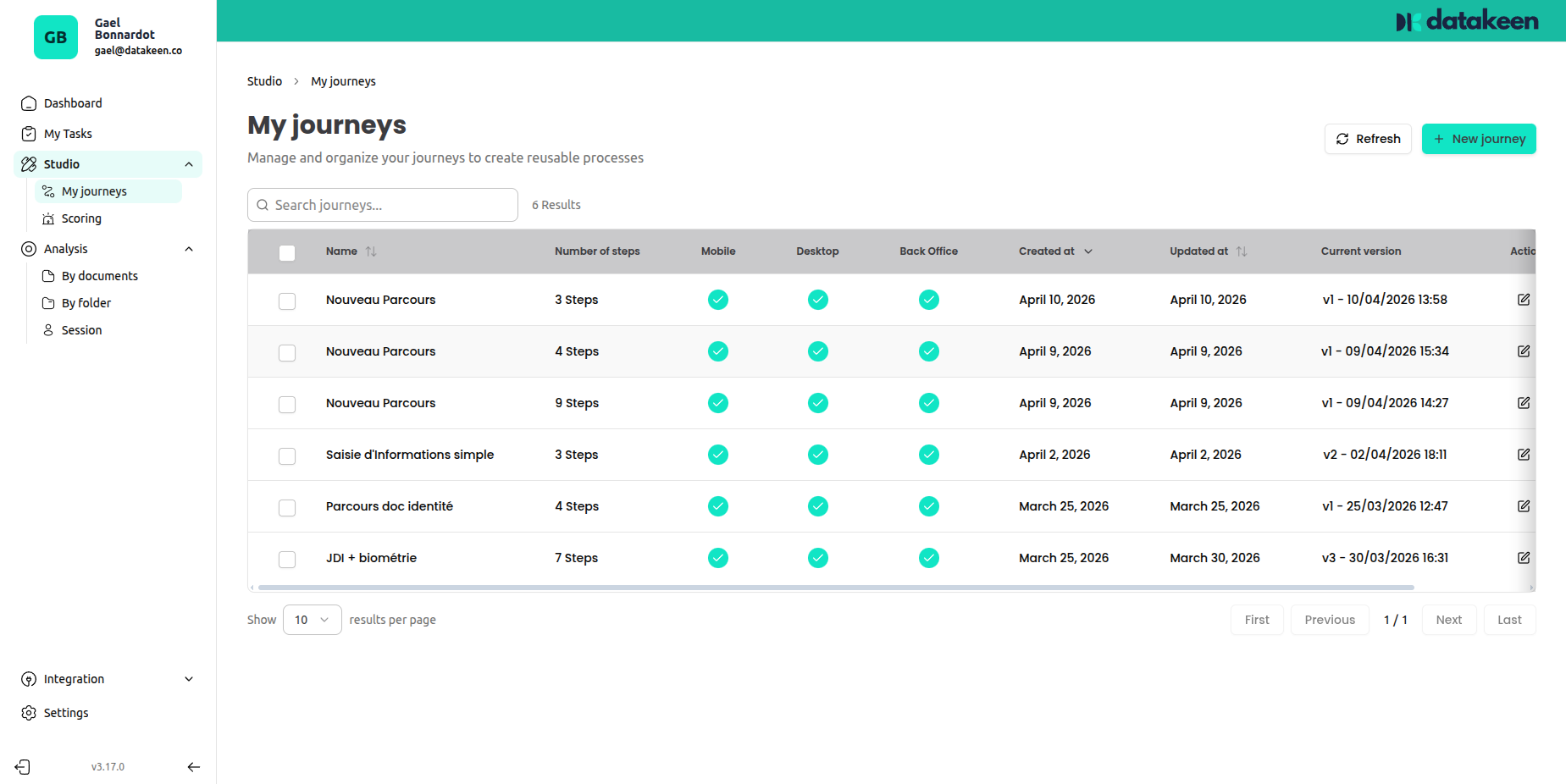
What is a journey?
A journey is a sequence of steps (also called nodes) that a user completes in order. You choose which steps to include, configure each one to match your needs, and Datakeen handles the rest — presenting the right screens to your users, collecting their data, and running AI-powered verification in the background.
Each journey can be made available on mobile, desktop, or both. You can also enable it as a Back Office flow for your team to run manually.
How journeys work
- You build the journey in the Journey Builder by connecting steps in a sequence.
- You share the journey via a link, QR code, email, or SMS — or embed it directly in your app.
- Your user goes through the steps on their device: filling forms, uploading documents, taking a selfie, etc.
- Datakeen analyses the results automatically and stores them in your back office for review.
Key concepts
| Concept | What it means |
|---|---|
| Journey | A complete verification flow made of steps |
| Step (Node) | A single action the user performs (e.g. upload an ID, take a selfie) |
| Session | A single run of a journey by one user |
| Version | Journeys are versioned — you can update them without breaking live sessions |
| Template | A pre-built journey you can start from |
Available step types
The Journey Builder includes the following steps, which you can combine freely:
| Step | What it does |
|---|---|
| 🚀 Start | Welcome screen shown at the beginning of the journey |
| 📝 Identity Information | Collects personal details (name, date of birth, company info…) |
| 📋 Custom Form | Collects any information you define (free text, numbers, dates…) |
| 🪪 Identity Document Check | Captures and verifies an official identity document |
| 📂 Document Collection | Asks the user to upload one or more supporting documents |
| 🤳 Biometrics | Takes a selfie and checks it matches the identity document |
| 🔀 Condition | Branches the journey based on data collected in previous steps |
| 🔍 External Database Check | Verifies data against an external registry (e.g. RNCS/INSEE) |
| ✍️ Electronic Signature | Presents a document for the user to sign electronically |
| 📄 PDF Generation | Generates a personalised PDF document from collected data |
| 🏁 End | Closes the journey and communicates the result |
Ready to build?
Head to Creating a Journey to get started, or browse the individual step documentation to understand what each node can do.
Updated 2 days ago